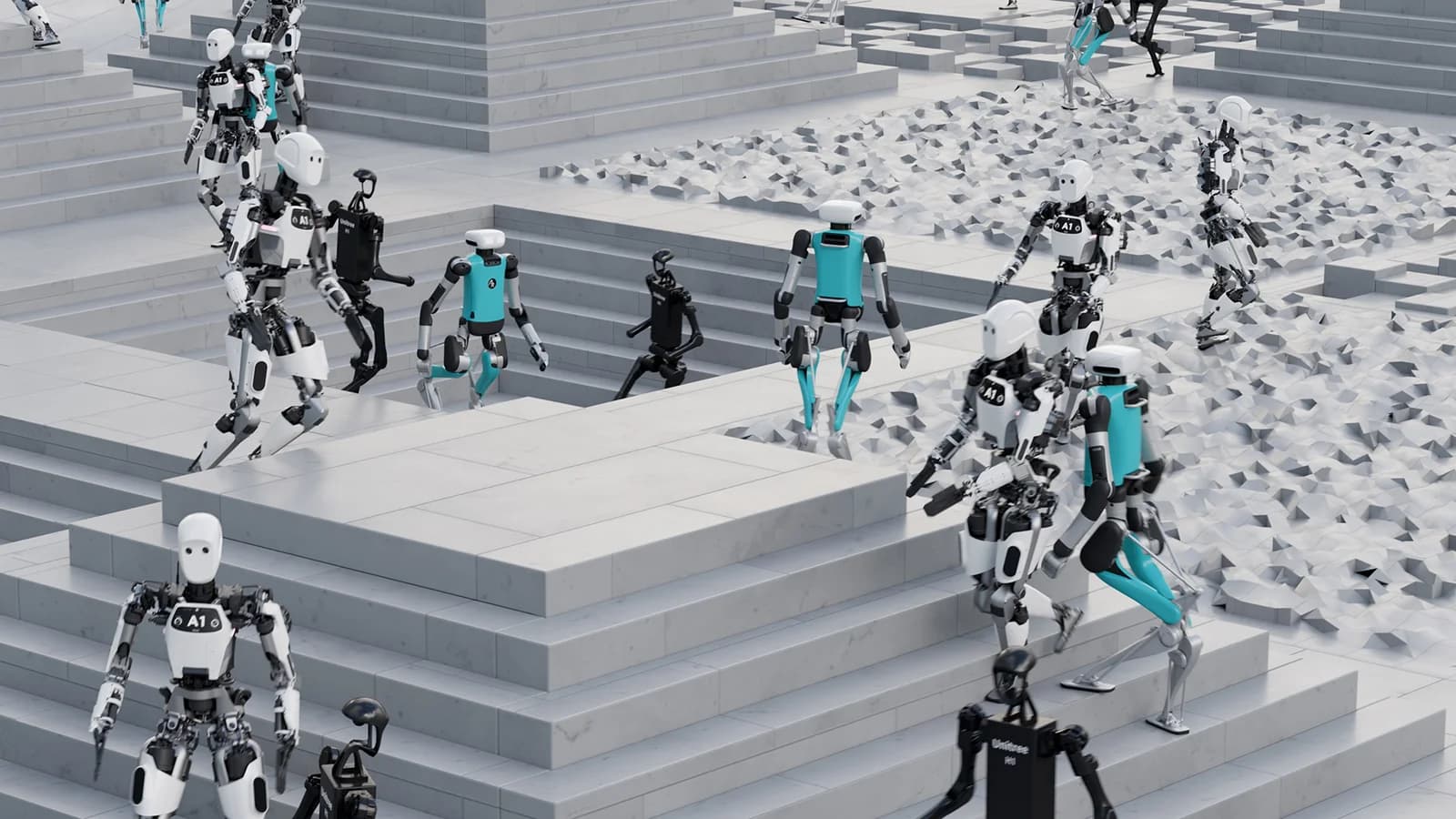
Update your robot software development frequency.
Upfreq Studio is a desktop app for robotics software engineers. Your AI agent builds digital twins of your robots, sim worlds for them, and the ROS 2 software that runs on them, with you. The simulator, the live view, the sensor data and the agent all run on your machine.
DownloadFree for Ubuntu 22.04 and 24.04. For mobile robots, robot arms, mobile manipulators, quadrupeds, humanoids.
Digital twins of your robots.
Start from a URDF or xacro with meshes, or from photos or a short video plus one known size. Studio runs the twin in the simulator and checks it: it holds still, its joints reach their targets, it drives as commanded, its sensors publish, and walking robots walk.
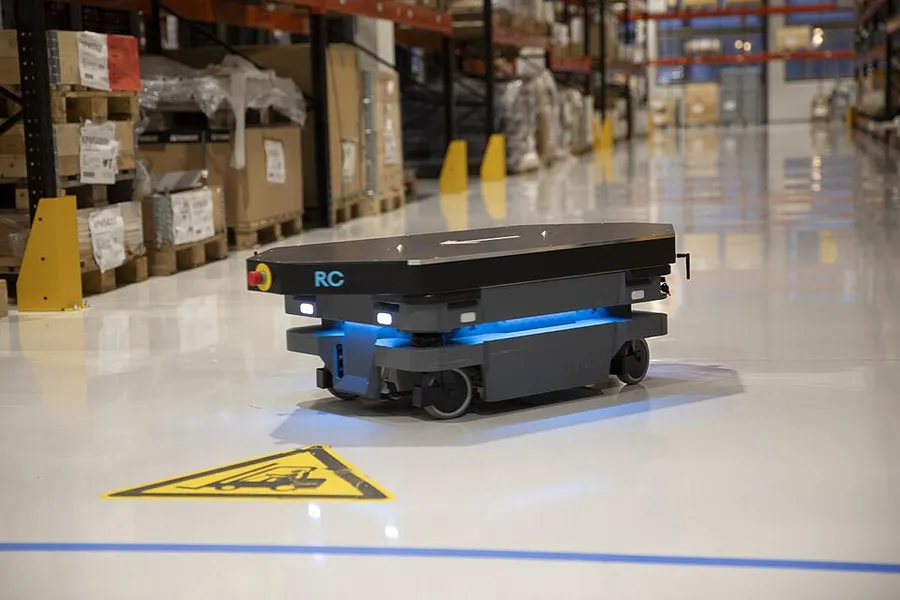
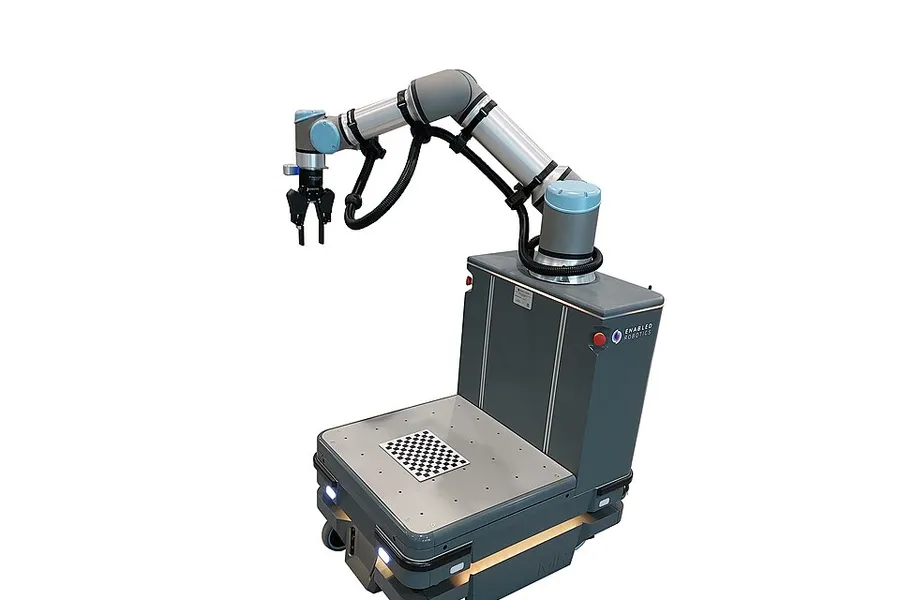
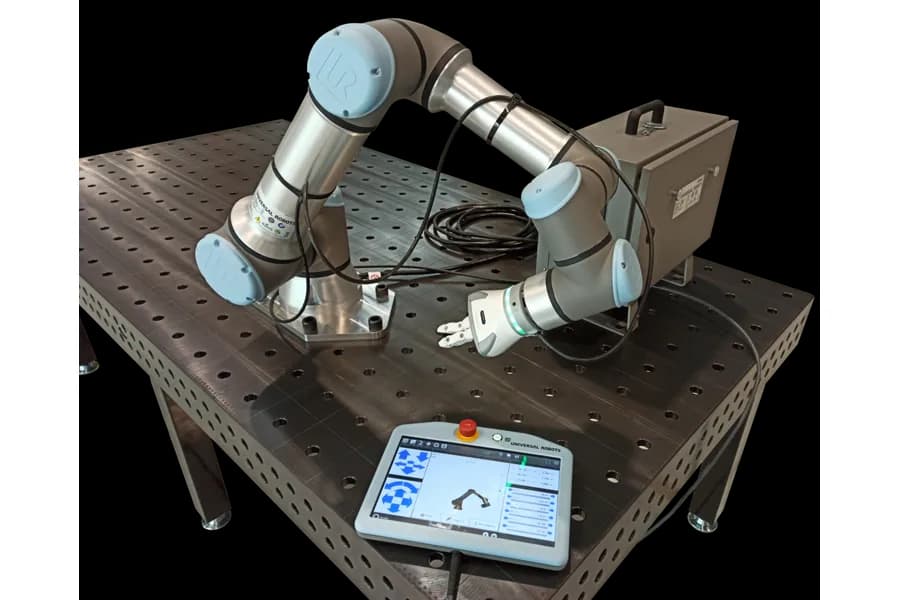
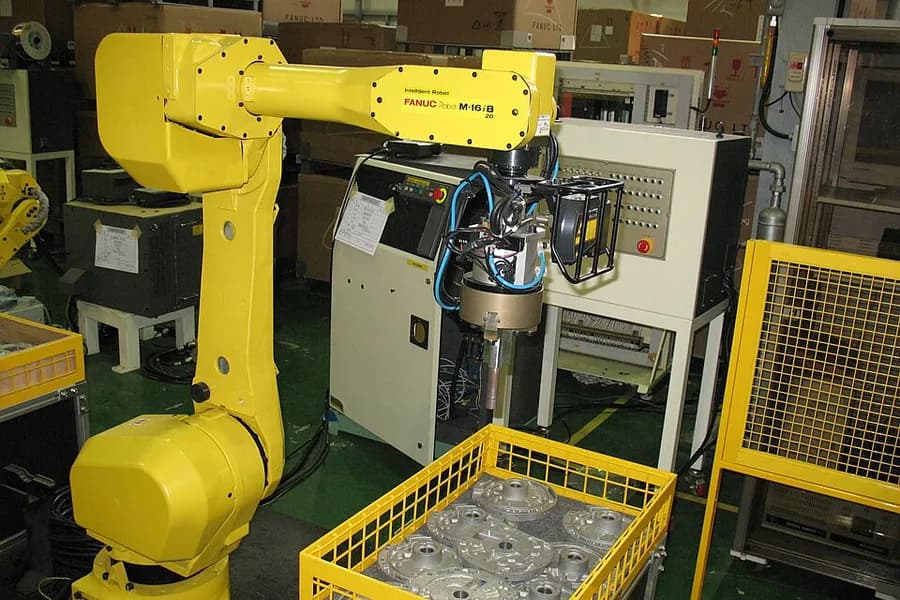
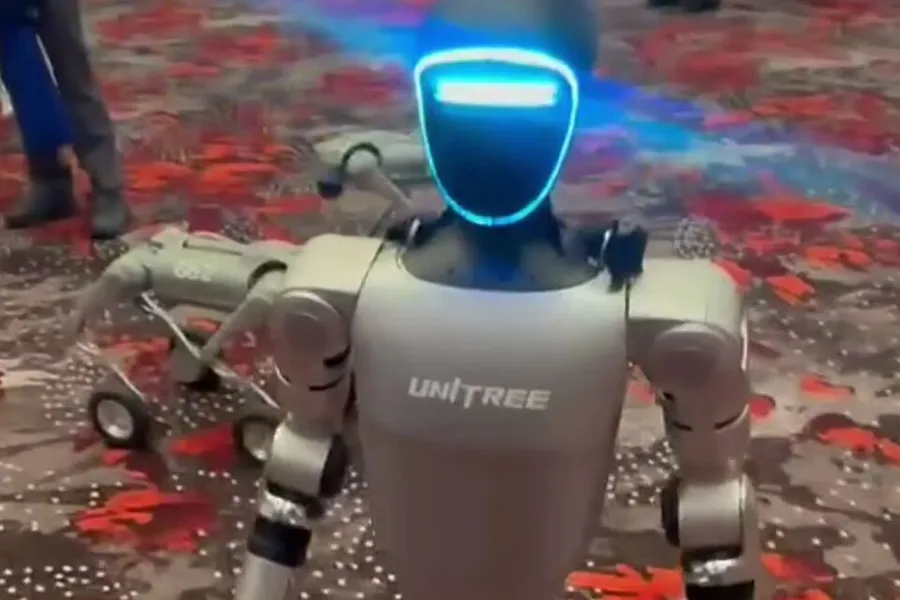
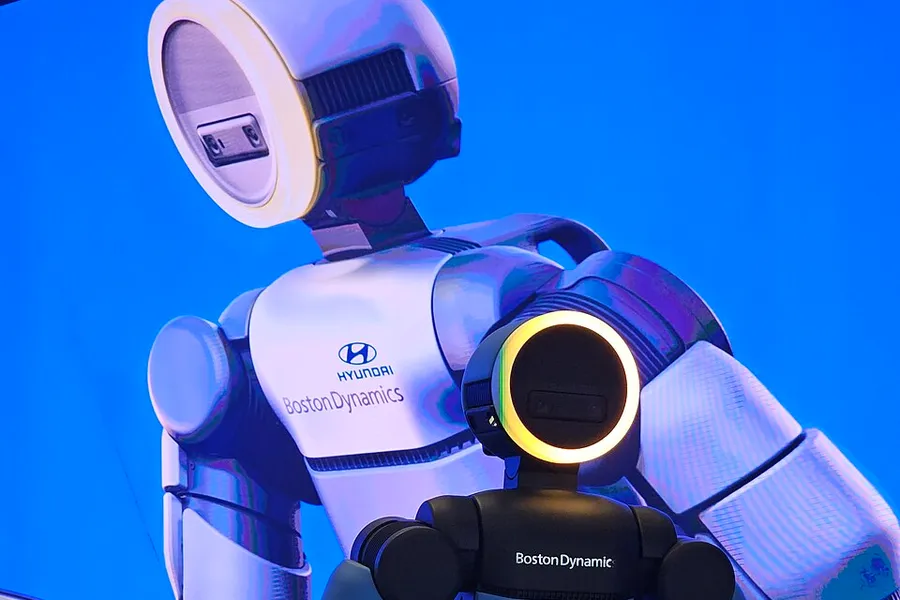
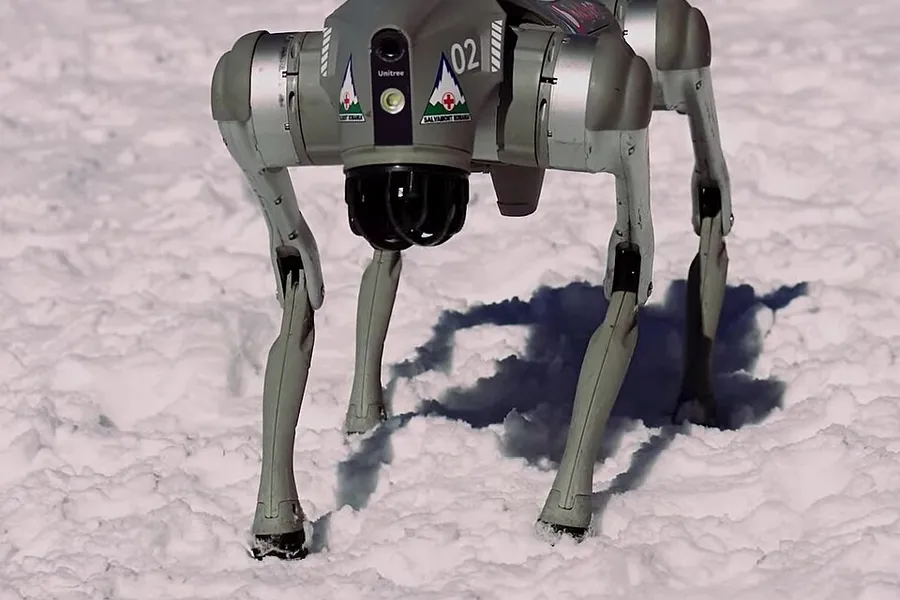
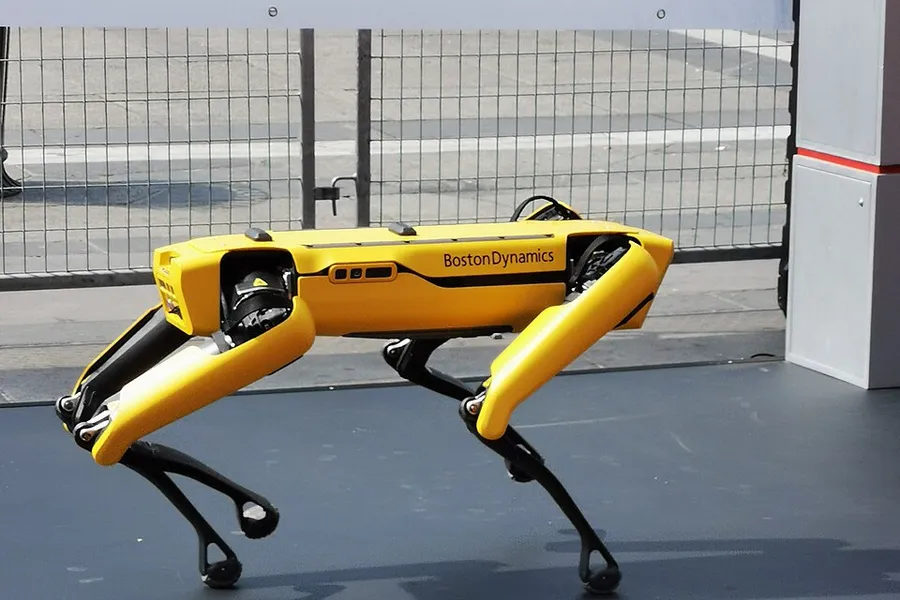
The Test panel drives it with a drive pad and joint sliders, the Pipeline shows its sensors, topics and rates, and Parameters shows its settings. Quadrupeds and humanoids walk with their own controllers. To change anything, ask the agent.
Sim worlds to test in.
The agent builds the world your robot works in, then checks it. A warehouse, a hospital, an office or a single room: describe the space and it lays it out.
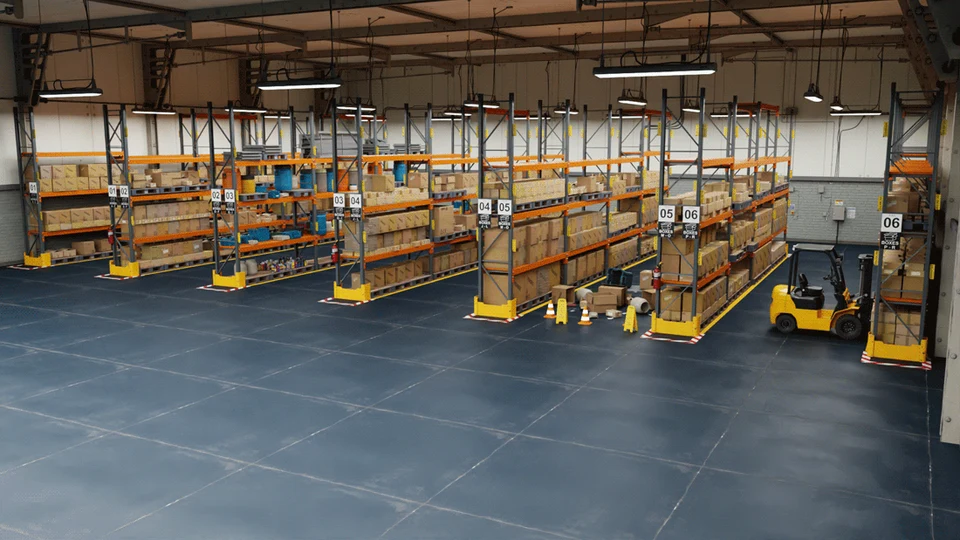
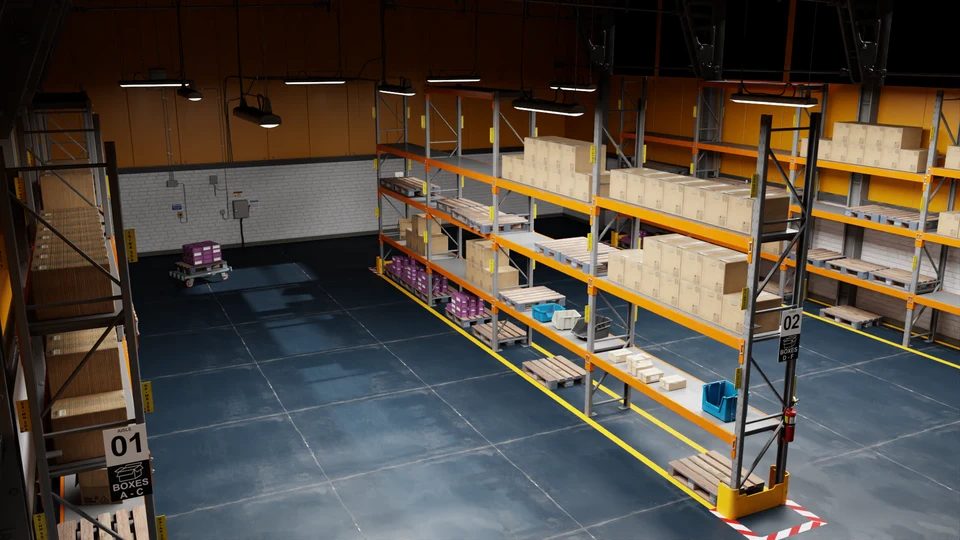
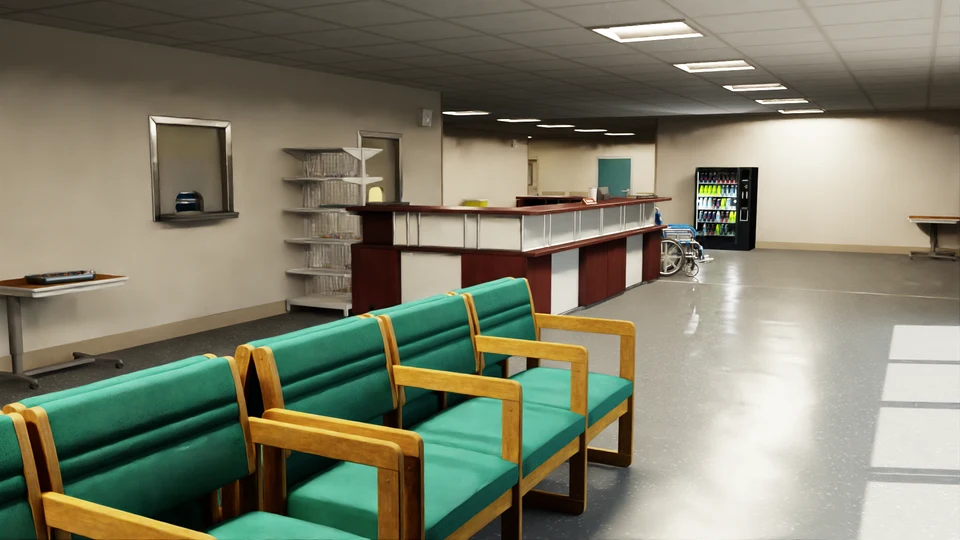
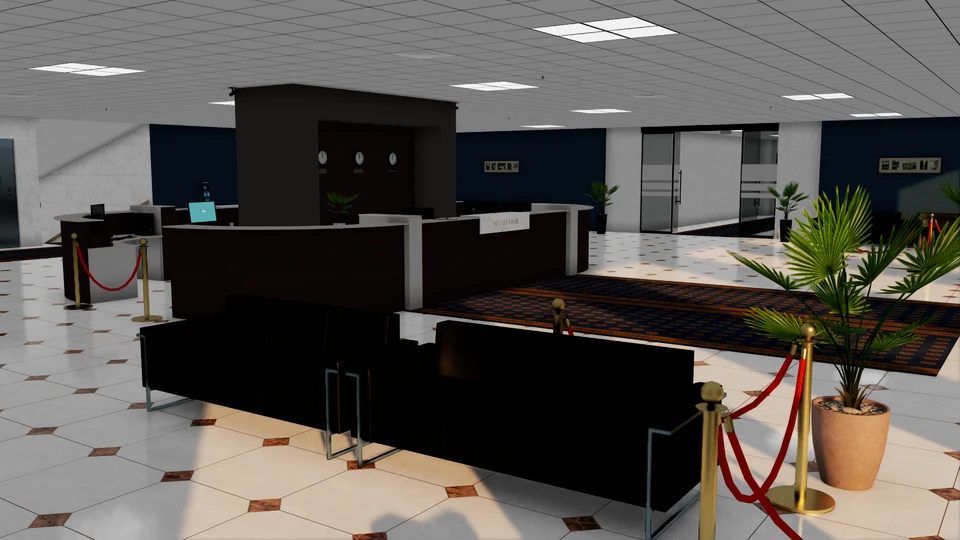
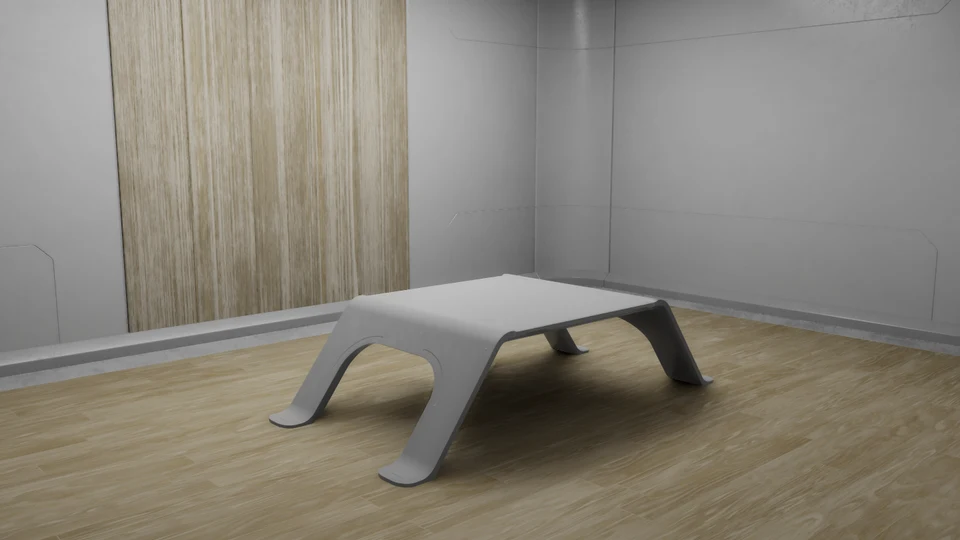

Describe it, or drop it in
Describe a space in plain words, or drop pictures, a video or a 3D model. The agent lays out the room and its objects.
People and spawn points
Add people walking through the world and the spawn points where your robot starts.
Interactive objects
Press a button, or run a machine your software controls over ROS 2, like a coffee machine that brews on a command.
Robot software, tested before the pull request.
Pick one of your twins, one of your worlds and one of your GitHub repositories. The agent writes ROS 2 code on a branch, builds it, tests it against the twin in the world, and opens a pull request. The Code tab shows the changes, the PR and its CI checks. Merge when they pass.
One window for the whole session.
The sim view and the Data view on the left, the AI agent on the right with terminals under it. One session runs at a time.
Sim view
The live simulation of your twin in its world, on the left.
Data view
Cameras, depth, point clouds and joints: whatever the twin publishes, laid out for you. Ask the agent to change it.
AI agent
Your AI agent, right inside Studio, on the right. Talk to it in plain language. You use your own account with it.
Terminals
Under the agent, for anything you want to run yourself.
Your GitHub, your repositories.
Studio never stores your code. It lives on your machine and in your repositories.
Assets on your GitHub
Save commits and pushes a twin or world, with a picture, to your own assets repository. Browse Twins, Worlds and Software, and preview any saved asset in the simulator.
The Upfreq GitHub App
Connect through the Upfreq GitHub App and choose the repositories you want, on GitHub. Every repository you give it, besides your assets repository, is ready for robot software.
Sessions by stage
The sidebar groups sessions into In progress, In review and Done. Robot software moves to In review when its pull request opens and to Done when it merges.
Everything runs on your machine.
The simulator, the live view, the sensor data and your AI agent all run on your own computer.
Upfreq's workflow guides the agent
For each kind of session, the agent follows Upfreq's step-by-step workflow: what to do next, the checks to run, and known fixes for common problems. It gets twins and worlds right instead of guessing.
CPU or GPU
Works on CPU-only machines. With an NVIDIA GPU, high-quality rendering uses it, and twins that run large models, like perception, can too. Small control policies stay on the CPU, where they're fastest.
Your work stays yours
Your code, twins, worlds, sessions and AI agent conversations never leave your machine and your GitHub. Upfreq only sees your account and usage, like time, sessions and saves.
How it works.
From install to your first pull request.
Install
Install with apt on Ubuntu 22.04 or 24.04. You need Docker Engine, and the NVIDIA Container Toolkit if you want the GPU. sudo apt upgrade keeps it up to date.
Sign in
Sign in with Google or GitHub. Anyone can sign up. Then connect the Upfreq GitHub App and pick your repositories.
Start a session
Open a new session and tell the agent what you're making: a twin, a world or robot software.
Save or open a PR
Save a twin or world to your assets repository, or merge the pull request for your robot software once CI passes.